
Plan, then make
Every stage starts with a cheap plan step. Read its notes, fix what is wrong, then run the steps that make pictures and video.
Bring the pages in, make the art, write the words, make the shots, add the sound, take the film. Each stage uses what the last one made, and takes files you bring yourself.
Pages in, panels out, bubbles gone.
3 stepsRepair, repaint, fit the frame.
4 stepsRead the story, write the script.
2 stepsPlan the shots, make the clips.
2 stepsVoices, effects, clean mix.
4 stepsCut, mix, render, download.
3 stepsEvery stage starts with a cheap plan step. Read its notes, fix what is wrong, then run the steps that make pictures and video.
The script sets the shots, their length, and who speaks. It is the cheapest place to change your mind.
The cut, mix and render are made new each time. Change one shot and the next film has it.
This is the whole deal between stages. If you can bring the input yourself, you can start there.
| Stage | It needs | You get | Then |
|---|---|---|---|
| Source | Comic or manga pages, as pictures or a zip. | Panels in reading order, with the speech bubbles taken out, and notes on every page.Understand Pages · Split into Panels · Find Speech Bubbles | Art |
| Art | Panels with empty bubbles, or any panels you have. | Finished pictures: repaired, in one style, at video size.Plan Art · Clean Up Panels · Apply Anime Style · Fit to Frame | Story, or Video |
| Story | Your imported pages, or just a prompt. | One script with times on every line, as narration or dialogue, marked as your film's script.Plan Story · Write Script | Video |
| Video | Pictures in reading order, and the script if you wrote one. | A storyboard you can change, then one clip for each shot, refined with more movement.Plan Video · Generate Video · Improve Video | Sound, or Deliver for a silent film |
| Sound | The clips and the script. | A voice for each character, one sound file per line, effects under each clip, all cleaned up.Plan Sound · Voice-over · SFX · Clean Sound | Deliver |
| Deliver | Clips, your sound if you made it, the script for subtitles. | The finished film, bigger and sharper if you want, or the whole project as a zip.Cut · Mix · Render & Export | Share it |
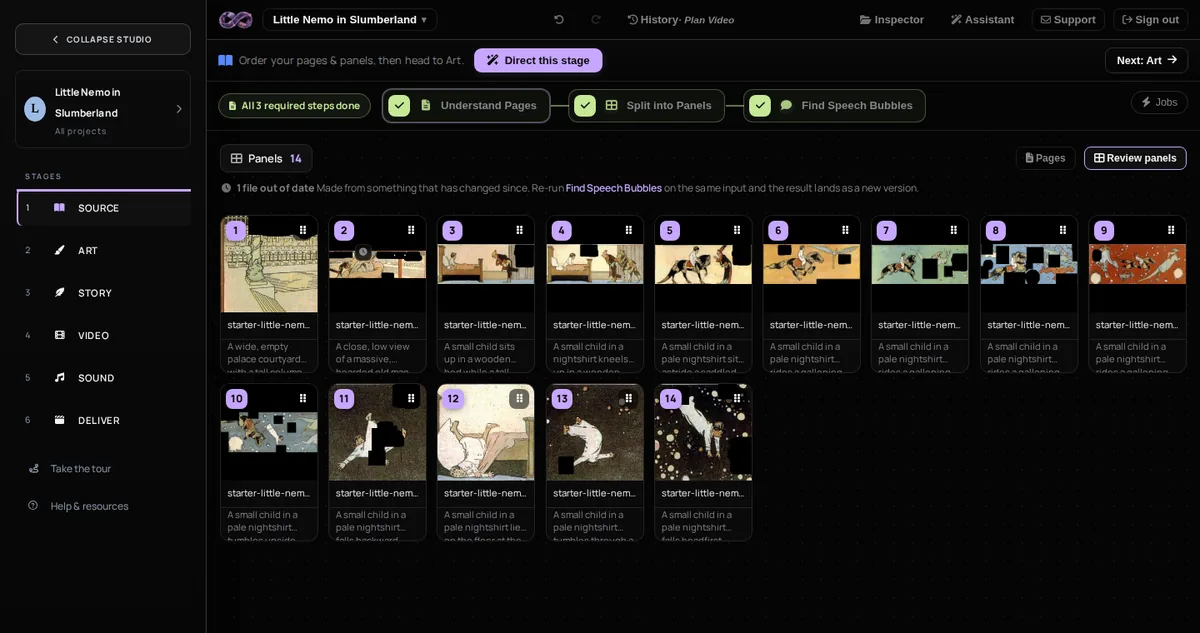
The full line is for a comic you want made into a film. But every stage takes what you bring, so you can begin in the middle and still get to the end.
Import a chapter and work left to right. Page notes feed the art and story, the script sets shot length, and the clips set the voice speed.
Already have panels or concept art? Import them and skip the cutting steps. Write the script from a prompt instead of pages.
Write Script works from a prompt, or gives you a timed script to write over. Add pictures and Plan Video cuts the shots to your lines.
Generate Video works from one panel, a prompt, or both. Good for one shot or a quick style test.
Have video already? Import the clips and a script, or write one here. Sound casts the voices and adds background sound. Deliver mixes and renders.
Go straight from pictures to shots. Plan Video works from the art alone. Add a script later, or leave it silent and add sound.
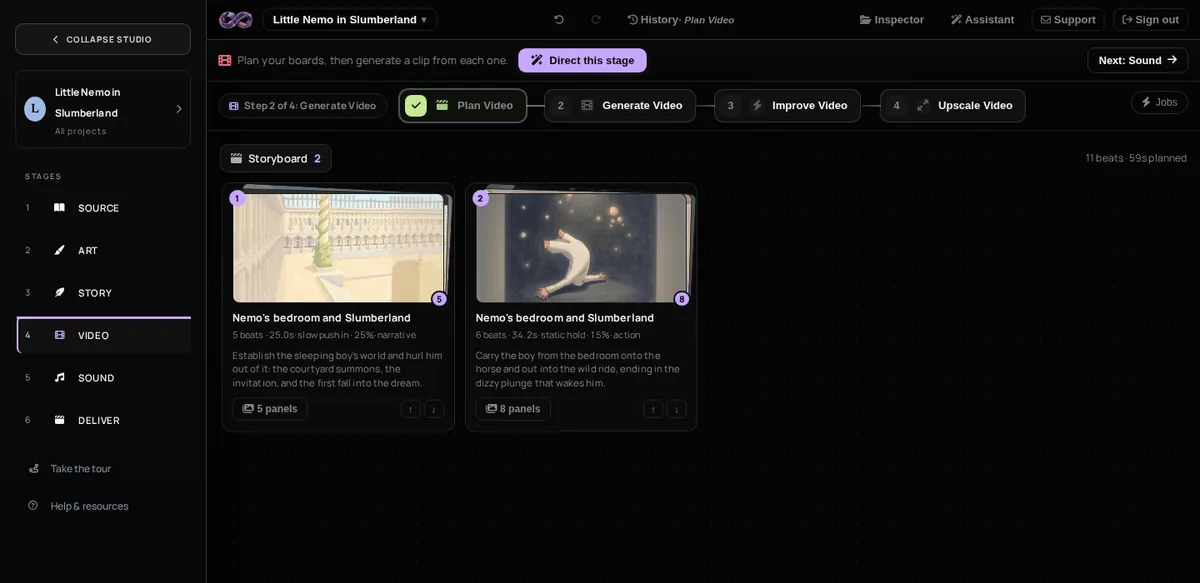
It is the same four moves in every stage. That is why you can learn the whole studio in an afternoon.
Run the stage's plan step. It writes notes: what each panel is, what happens, which shots to make, who speaks.
Pick a step and run it on a folder, or on three files first.
Every step puts its files in the stage. Open any file for its notes, history and tools.
Erase, crop, copy, say it again, shoot it again. The new version takes the old one's place. You can always go back.
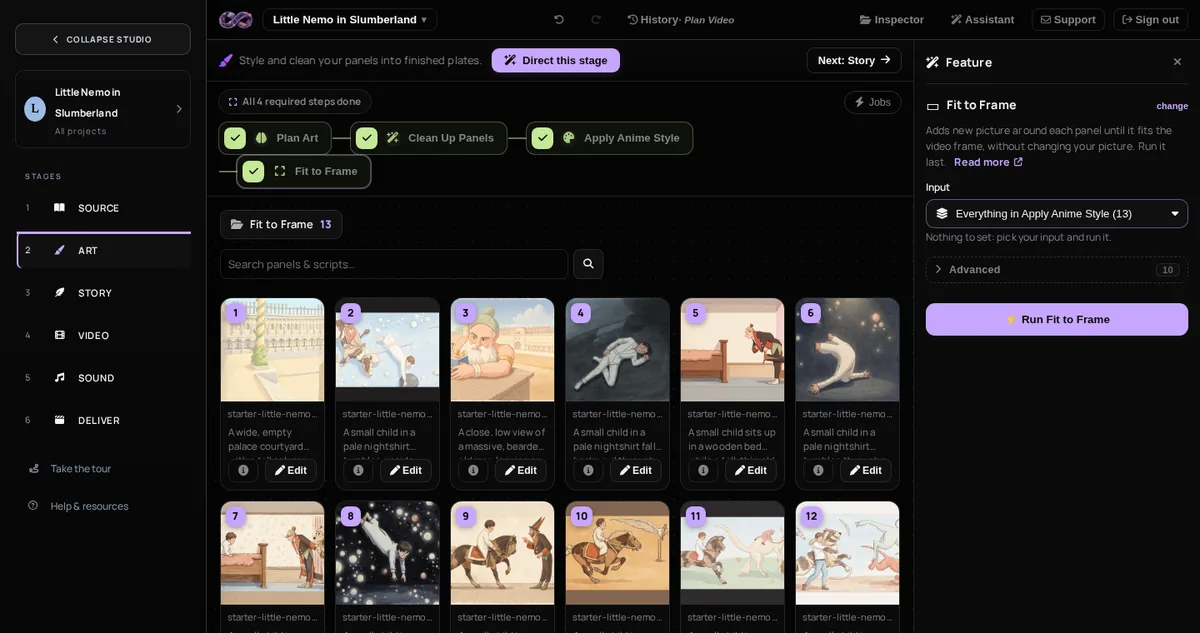
Point the director at one stage and it picks the next step, runs it, checks it, and carries on until the stage is ready. It runs a few files first if you ask. Stop or pause it whenever you like.
Plan steps cost a few credits each. The steps that make pictures, video and sound are paid by the minute. Everything expensive comes after something cheap you can check first. Pricing →

However you start, the line ends with a finished film.