
Video
Turn your pictures into moving shots. Plan the shots, make the clips, then improve the motion.
Plan Video a few credits
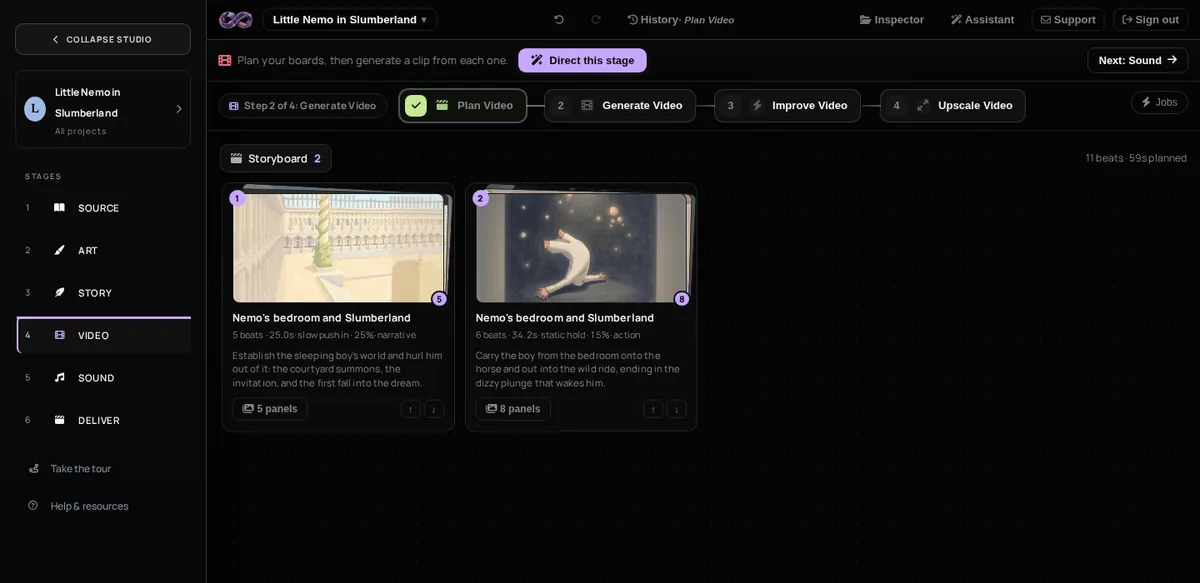

Run it on the whole Fit to Frame folder at once, in reading order. It is the only step that sees all your pictures together. It picks the panels worth a shot and drops the rest with a reason, joins panels that show one moment, matches light and colour across the film, and makes each shot as long as its line.
Everything lands on the Storyboard tab. Read it and change any shot before you make the clips.
Generate Video by the minute
Makes one draft clip for each shot. Your picture is the first frame, and the storyboard says what happens next, including action the comic never drew.
Clips are made small first, so the motion is cheap to judge.
Improve Video by the minute
Adds movement to the shots you kept. The draft clip is the reference, so the character, wardrobe and setting stay put while the action gets bigger.
Each result is a file of its own in the Improve Video folder, and the film plays it. The draft stays where Generate Video made it.
Upscale Video by the minute
Generate Video makes the canvas small. This enlarges every take, frame by frame, without changing its motion, timing or sound. Each result replaces the take as a new version, so Ctrl+Z brings the draft back.
It cannot fix a pose or add action that is not there. Upscale after you are happy with the motion.
Two things to know
A shot is one continuous take. It cannot cut to somewhere else. If a shot asks for a new place or a new time, you get a strange morph instead of a cut. Split it into two shots on the storyboard.
Give the action time. About 5 seconds for a held moment, about 10 when something has to travel across the shot.
Fix a clip
Open the clip, click Fix clip, and rewrite the beat that is wrong. Press Re-chain on a board, or Render on a single shot. The new take replaces that beat in the same place, so the cut stays in order, and you can go back a step. You can also trim the start and the end of a clip by hand.
Just make one clip
You do not need a plan or a script. Open Generate Video, give it a prompt, a picture, or both, and it makes you a clip. Good for a test or for one shot you need quickly.
Last updated 2026-10-23. Prices here are guides from our own runs.